
YouTube Comment Picker — Instantly Pick a Random Winner
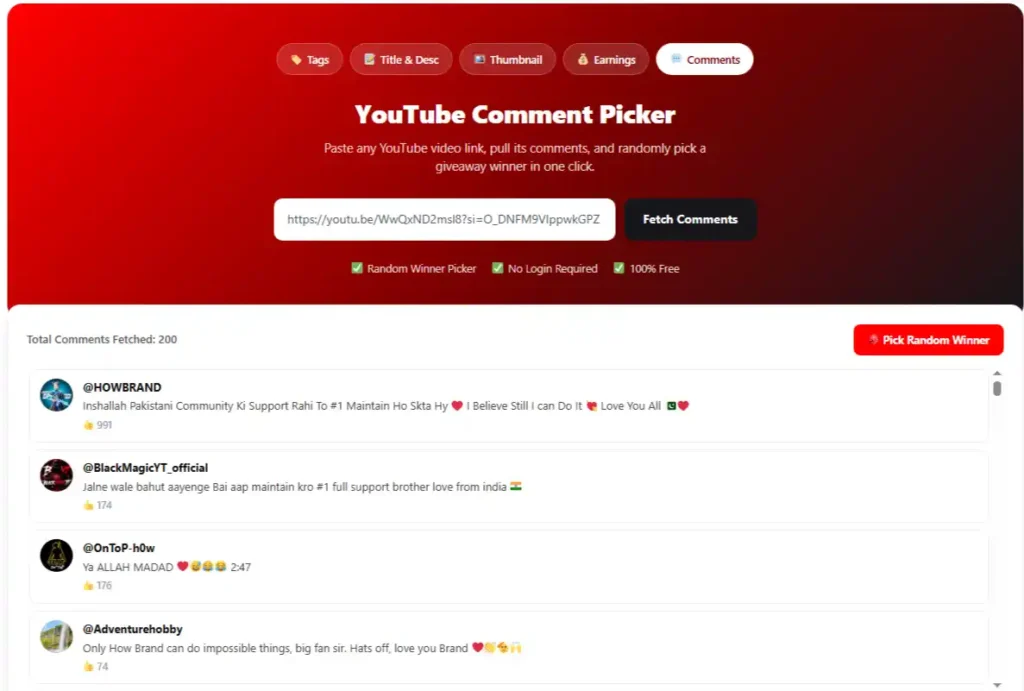
Use the YouTube Comment Picker above to select a winner from the comments on your video without having to manually sort through each entry. Paste your video’s URL, load the comments, apply the available options, and run the selector when you’re ready.
This random comment selector is designed for creators, brands, and organizers who run giveaways, contests, promotions, or community campaigns where you need to quickly select a comment.
How to Use the YouTube Comment Picker Step-by-Step
Start with the tool above and follow these steps:
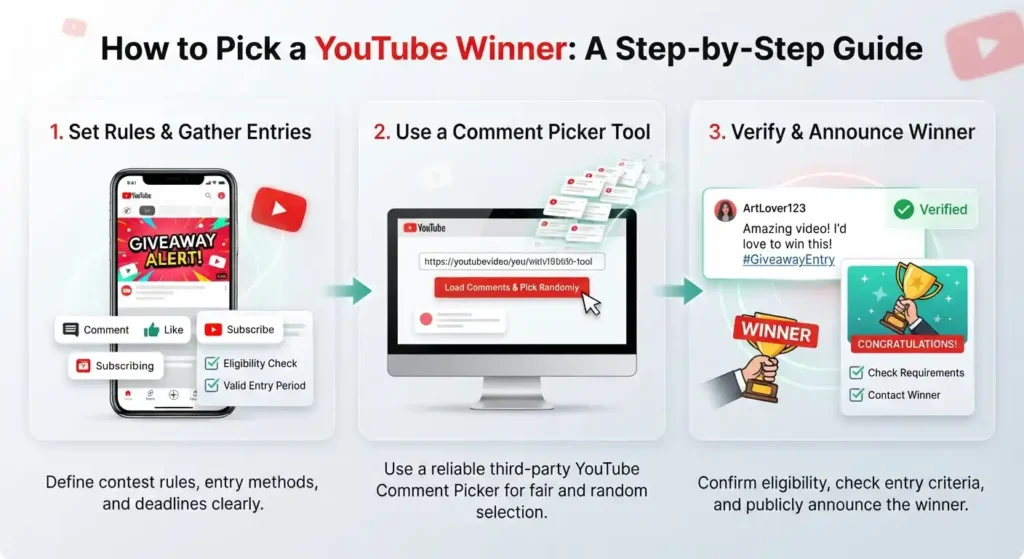
| Copy the URL of your YouTube video | Open the video containing your comments and copy its URL from YouTube. |
| Paste the URL into the tool | Enter the video link into the input field and submit it to start loading the comments |
| Load your comments | Allow the tool to retrieve the available comments from the video. |
| Set your preferences | Use the available options to handle duplicate entries or other selection requirements for your campaign. |
| Choose the winner | Start the selection process and let the selector choose a comment at random. The process may use a random number generator to determine the selected entry. |
| Verify the result | Review the selected comment, username, and relevant details before confirming the winner. |
Use this YouTube Comment Picker whenever your video receives more entries than you can review manually.
The tool takes care of the rest; your only job is to verify the winner.
What can you use this tool for?
Giveaways
Select a participant from the comments after the entry period ends. A YouTube giveaway selector offers a quick way to choose an entry without having to manually scroll through the video.
Contests
Use comment entries to select a winner for a YouTube contest after verifying that the selected participant has met the published requirements.
Live stream giveaways
If your campaign collects entries during a live stream, check whether the tool supports the relevant comments before selecting a winner.
Brand Collaborations
Creators and brands can use comment-based campaigns to engage audiences and select promotional winners from among eligible participants.
Community Polls
When a community activity asks viewers to respond in the comments, the selector can help choose a participant for a prize or recognition.
The tool connects through the YouTube API to retrieve comments directly from your video
How to Run a Fair Giveaway on YouTube
Post the rules before the campaign begins so that every participant knows what qualifies them. Include the end date, eligibility requirements, prize details, how to enter, and the conditions for winning.
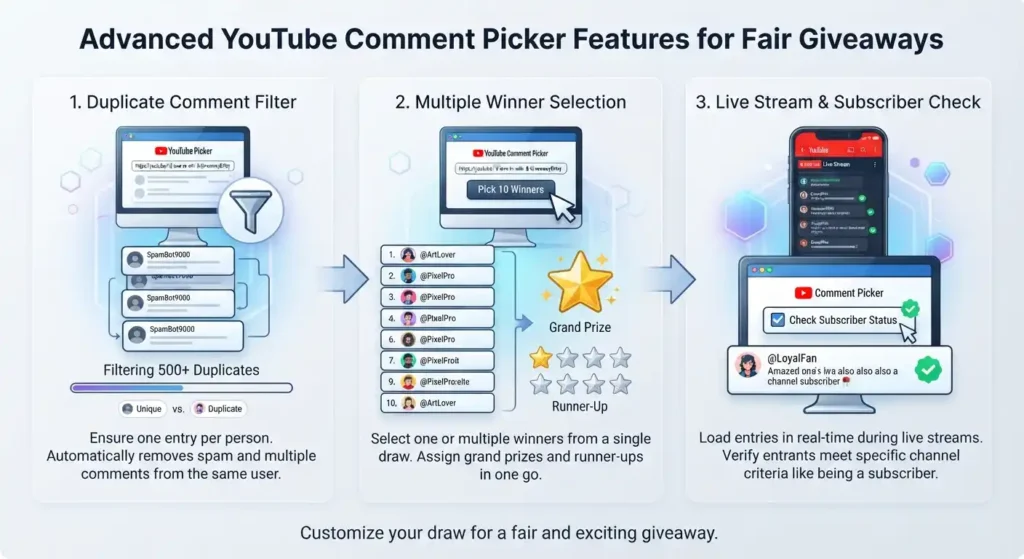
Use the same criteria for each entry when reviewing the results. If your campaign allows one entry per person, use duplicate filtering when available; also consider moderating comments before the selection process so that obvious spam or unrelated entries don’t affect your campaign.
What happens if the winner is ineligible?
Verify that the selected comment meets your published requirements before contacting the participant. Review the entry itself and, when relevant, the timestamp of the comment to confirm that it falls within the allowed time period.
If the participant does not qualify, follow the replacement procedure outlined in your rules. Select another eligible entry using the same process rather than changing the requirements after reviewing the initial result.
Keep a record of the selection
Record your screen while making the selection if you want to provide additional evidence of how the result was reached. A recording can show the video, the selection settings, and the winning entry without requiring participants to rely solely on the final announcement.
Follow the rules for sweepstakes disclosures
Review the laws and platform requirements that apply to your promotion. For campaigns in the U.S., applicable FTC requirements may include an FTC disclosure when a material connection or promotional relationship must be disclosed.
Selecting Multiple Winners
Decide how many winners you need before you begin the selection process. You can choose one grand prize winner followed by several runners-up, depending on your campaign rules.
If the tool allows for repeated selections, make additional selections after the first result. Remove previous winners or enable duplicate removal when each prize must go to a different participant.
Frequently Asked Questions
After Selecting a Winner: What to Do Next
Verify eligibility: Make sure the selected participant meets all the requirements you posted before the campaign began. Do not consider the selected comment final until this verification is complete.
Contact the winner: Use the contact method specified in your rules and provide clear instructions for claiming the prize. Avoid requesting confidential information via a public comment.
Set a response deadline: Give the winner a specific amount of time to respond. A defined deadline prevents uncertainty and makes it easier to implement your replacement process.
Announce the result: Post the winner through your chosen channel once eligibility has been confirmed. You can use a video, a Community post, or a pinned comment to make the result easy for participants to find.
Document the process: Keep records of the selection process, eligibility verification, communication with the winner, and the final announcement along with your campaign records. This provides a useful reference if participants ask how the result was handled.
Use the tool above to get started.